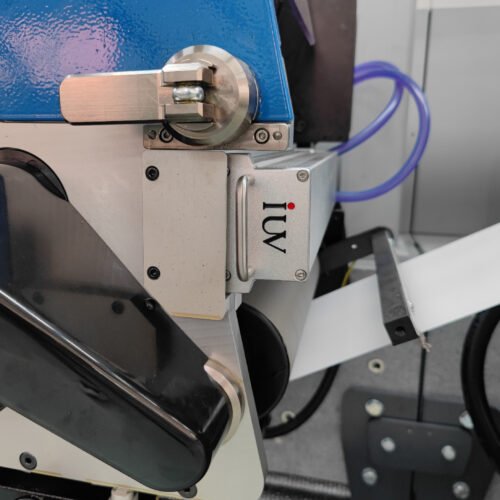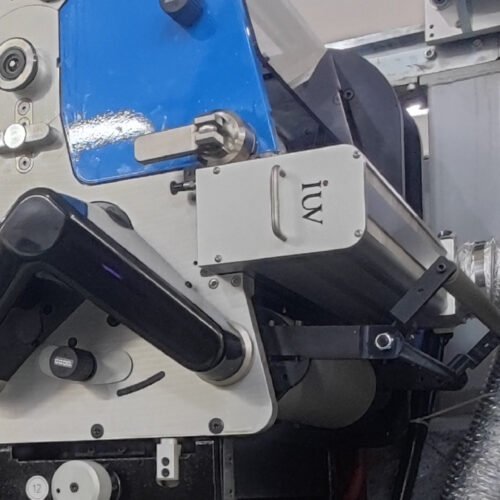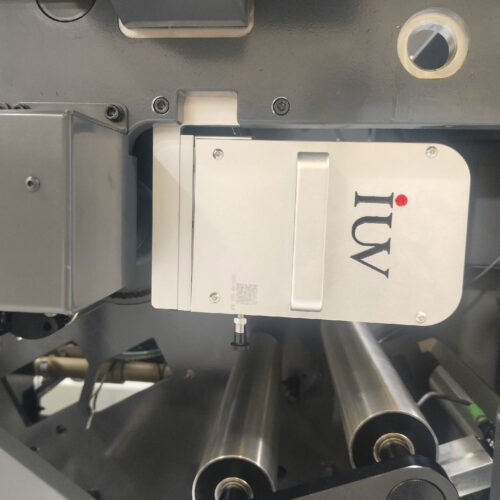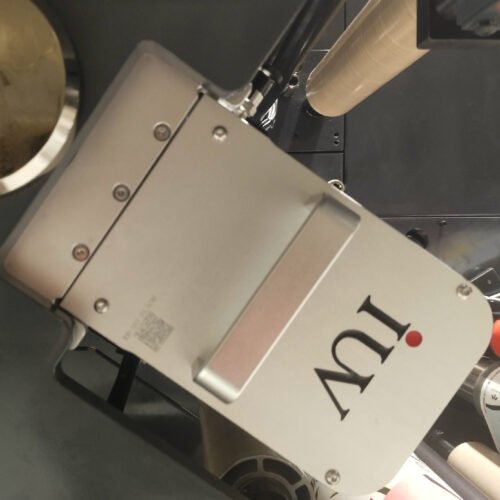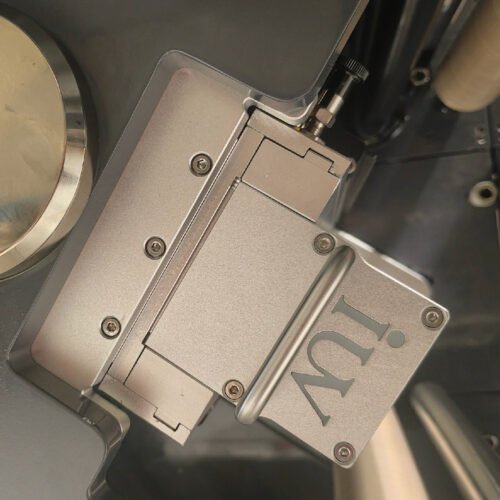
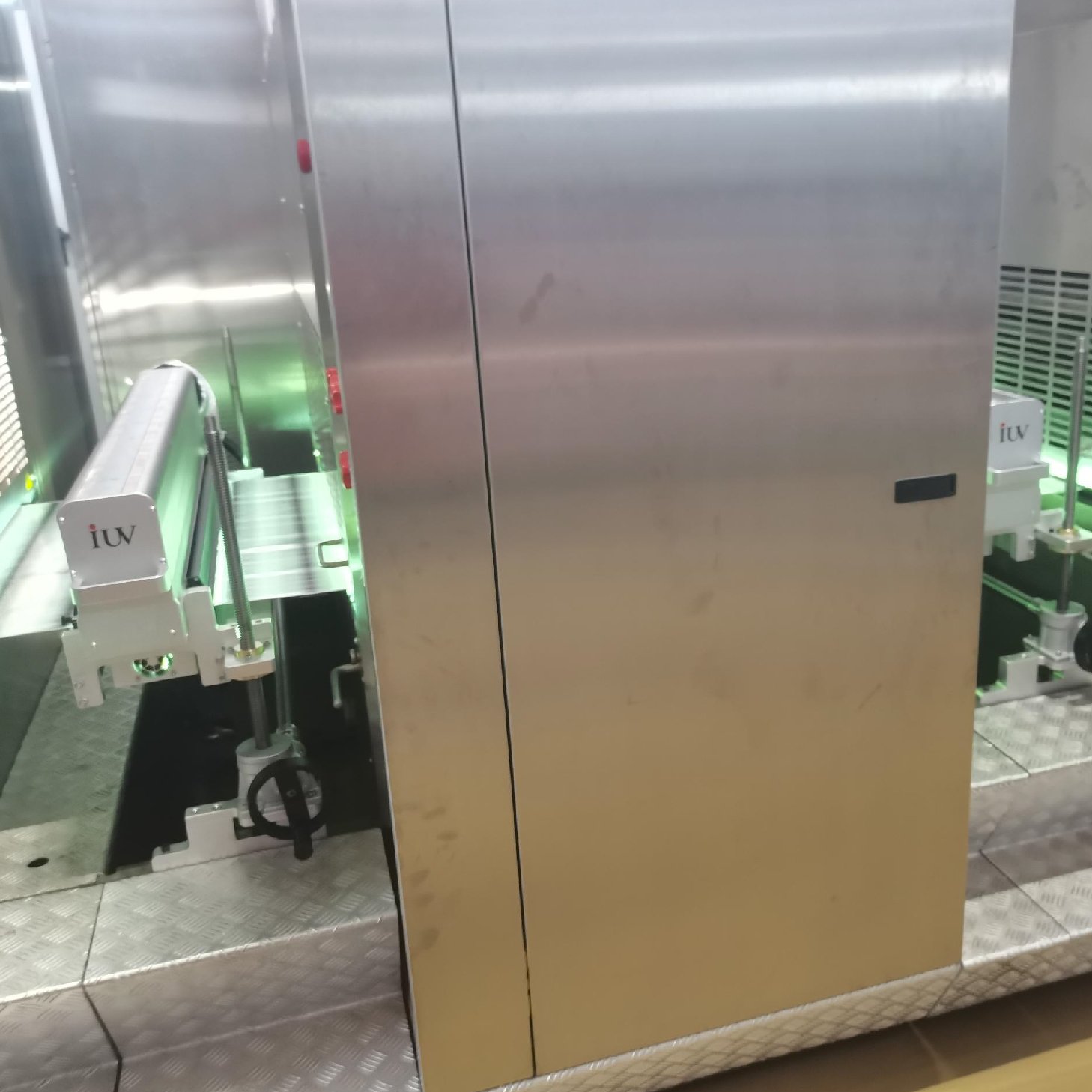
High-speed UV flexographic printing offers incredible efficiency and vibrant results. However, pushing the limits of speed and UV curing can sometimes lead to printing challenges. Addressing these issues quickly and effectively is key to maintaining print quality and production uptime. This guide will walk you through common problems and their solutions in narrow web UV flexo printing.
Understanding Ink Adhesion and Curing
One of the most frequent concerns in UV flexo printing is ink adhesion. This relates directly to the UV curing process. UV inks contain photoinitiators that react to UV light, initiating a polymerization process that hardens the ink. If this process is incomplete, the ink may not bond properly to the substrate.
Common Causes for Poor Adhesion:
- Insufficient UV Energy: The most direct cause. The UV lamps might be too far from the print, running too slowly for the lamp intensity, or the lamps themselves could be aged and producing less output.
- Wrong Ink Formulation: Not all UV inks are created equal. Using an ink not specifically designed for your substrate or printing speed can lead to poor adhesion.
- Substrate Surface Issues: Some substrates have very low surface energy, making it difficult for any ink to adhere. Proper surface treatment, like corona or plasma, is vital.
- Contamination: Oils, dust, or release agents on the substrate surface can act as barriers, preventing ink adhesion.
- Incorrect Curing Wavelength: Different photoinitiators require specific UV wavelengths to cure effectively. Ensure your lamps match the ink’s requirements.
Troubleshooting Steps:
- Verify UV Lamp Performance: Check the lamp output with a radiometer. Ensure the distance to the substrate is correct according to the ink and lamp manufacturer’s recommendations.
- Inspect UV Lamps: Look for signs of age or damage. Replace lamps on a scheduled maintenance program, not just when they fail.
- Confirm Ink Compatibility: Double-check the ink’s technical data sheet against your substrate and printing conditions.
- Assess Substrate Surface Energy: Use dyne pens to measure surface energy. If it’s too low, adjust corona treatment levels.
- Implement Strict Cleaning Protocols: Ensure the press and substrate handling areas are clean.
Tack Issues and Ink Transfer Problems
Tack is the property of the ink that allows it to transfer from the printing plate to the substrate. In high-speed flexo, managing ink tack is crucial to prevent issues like ink pulling back from the substrate or building up on the plate.
Common Causes for Tack Issues:
- Ink Viscosity and Tack Imbalance: High-speed printing often requires lower viscosity inks but can lead to tack problems if not formulated correctly.
- Environmental Factors: Temperature and humidity can significantly affect ink tack. Higher temperatures usually decrease tack.
- Plate and Anilox Roll Mismatch: The amount of ink transferred by the anilox roll to the plate, and then from the plate to the substrate, must be balanced.
- Doctor Blade Issues: An improperly set or worn doctor blade can cause excessive ink transfer or ink starvation, both affecting tack perception.
Troubleshooting Steps:
- Adjust Ink Viscosity and Tack: Work with your ink supplier to fine-tune viscosity and tack modifiers. Often, small adjustments make a big difference.
- Monitor Environmental Conditions: Maintain consistent temperature and humidity in the print room. Use dehumidifiers or heaters if necessary.
- Optimize Anilox Roll Selection: Ensure the anilox cell volume and line screen are appropriate for the desired ink film thickness and substrate.
- Inspect and Maintain Doctor Blades: Check for wear, nicks, or damage. Ensure the blade angle and pressure are set correctly.
Dot Gain and Registration Challenges at Speed
Achieving sharp dots and perfect registration is a hallmark of quality printing. When printing at high speeds, these aspects can become more challenging.
Dot Gain: This is the increase in dot size from the printing plate to the printed substrate. Excessive dot gain can lead to muddied images and loss of detail.
Causes of Excessive Dot Gain:
- Plate Swell: Ink penetrating the plate material can cause it to swell, leading to larger dots.
- Ink Transfer: Over-transfer of ink from the anilox to the plate, or from the plate to the substrate.
- Impression Pressure: Too much pressure can squish the dots.
- Plate Material and Durometer: Softer plates can contribute to greater dot gain.
Registration: Misalignment of colors. At high speeds, web flutter and tension variations are common culprits.
Causes of Registration Issues:
- Web Tension Instability: Inconsistent tension causes the web to stretch or shrink unpredictably between print stations.
- Mechanical Issues: Worn rollers, misaligned print stations, or inconsistent drive systems.
- Plate Mounting: Inaccurate plate mounting or mounting on slightly warped sleeves.
- Ink Rheology: Very fluid inks can spread, making precise registration harder.
Troubleshooting Steps:
- Manage Plate Swell: Use ink formulations that minimize plate swell. Ensure proper cleaning of plates.
- Optimize Ink Transfer: Fine-tune anilox roll selection and doctor blade settings to control ink laydown.
- Set Impression Pressure Carefully: Use the lowest effective impression pressure.
- Stabilize Web Tension: Ensure the tension control system is functioning correctly and calibrated. Regularly check dancer rollers and associated components.
- Verify Mechanical Alignment: Periodically check that print stations are in perfect register with each other and with the web path.
- Ensure Accurate Plate Mounting: Use high-quality mounting tape and ensure plates are mounted squarely. Consider using sleeve systems for easier and more precise mounting.
- Evaluate Ink Properties: If ink rheology is a significant issue, consult your ink supplier for alternative high-speed formulations.
Surface Defects: Streaking, Mottling, and Contamination
These visual imperfections detract from print quality and can be frustrating to diagnose, especially at high speeds.
Streaking: Appears as faint lines or bands running parallel to the web direction.
Causes of Streaking:
- Dirty Anilox Rolls: Clogged cells don’t ink uniformly.
- Damaged Doctor Blade: A nick or uneven edge will create a streak.
- Ink Contamination: Particles in the ink can cause streaks.
- Plate Issues: Debris on the plate surface or uneven plate wear.
Mottling: Uneven ink coverage, often looking patchy or blotchy.
Causes of Mottling:
- Poor Ink Transfer: Inconsistent ink laydown due to anilox or plate issues.
- Incorrect Ink Tack: Ink not transferring smoothly.
- Substrate Surface Irregularities: The substrate itself may have uneven absorption or texture.
- Excessive Ink Viscosity: Thick ink may not flow evenly onto the plate.
Contamination: Foreign particles appearing on the printed surface.
Causes of Contamination:
- Dust and Debris: From the environment, the press, or the substrate itself.
- Ink Re-circulation Issues: Contaminated ink being re-circulated.
- Loose Press Parts: Small pieces of rubber or metal breaking off.
Troubleshooting Steps:
- Regular Anilox Cleaning: Implement a rigorous anilox roll cleaning schedule using appropriate cleaning solutions and equipment.
- Inspect and Replace Doctor Blades Frequently: Treat doctor blades as consumables and replace them before they cause issues.
- Filter Ink: Ensure your ink system has effective filtration.
- Maintain a Clean Environment: Keep the pressroom clean and minimize airborne dust.
- Check Ink Viscosity and Formulation: Ensure the ink is consistent and free from foreign particles.
- Examine Substrate Quality: Inspect incoming substrate rolls for any defects or contamination.
- Routine Press Maintenance: Regularly inspect all press components for wear or damage that could shed particles.
UV LED Curing Specific Issues
While UV LED curing offers advantages like lower heat and longer lamp life, it introduces its own set of troubleshooting considerations.
Inconsistent Curing: Even with LED, improper setup can lead to incomplete cure.
Causes:
- Incorrect Wavelength: Ensuring the LED wavelength matches the ink’s photoinitiators is critical.
- Insufficient Power Density: Not enough UV energy reaching the ink. This can be due to lamp distance, speed, or the LED array itself not being optimal for the ink.
- Shadowing: If ink or debris blocks UV light from reaching all parts of the ink film.
- Ink Layer Thickness: Very thick ink layers can prevent light penetration.
Troubleshooting Steps:
- Confirm LED and Ink Compatibility: Always verify the specific wavelength and energy output requirements of your LED-cured ink.
- Measure UV Irradiance: Use a suitable UV radiometer to measure the energy output at the substrate level.
- Clean LED Optics: Ensure no ink splatter or dust is obstructing the LED emitters.
- Optimize Ink Film Thickness: Use the correct anilox and plate combination to achieve an appropriate ink film.
- Consider Multiple LED Heads: For demanding applications, or with certain ink types, using multiple LED curing units in series can ensure thorough cure.
By systematically approaching these common issues and understanding the interplay between speed, ink, substrate, and curing technology, you can significantly improve the consistency and quality of your high-speed UV flexographic printing operations. Consistent maintenance, proper training, and close collaboration with your suppliers are fundamental to success.